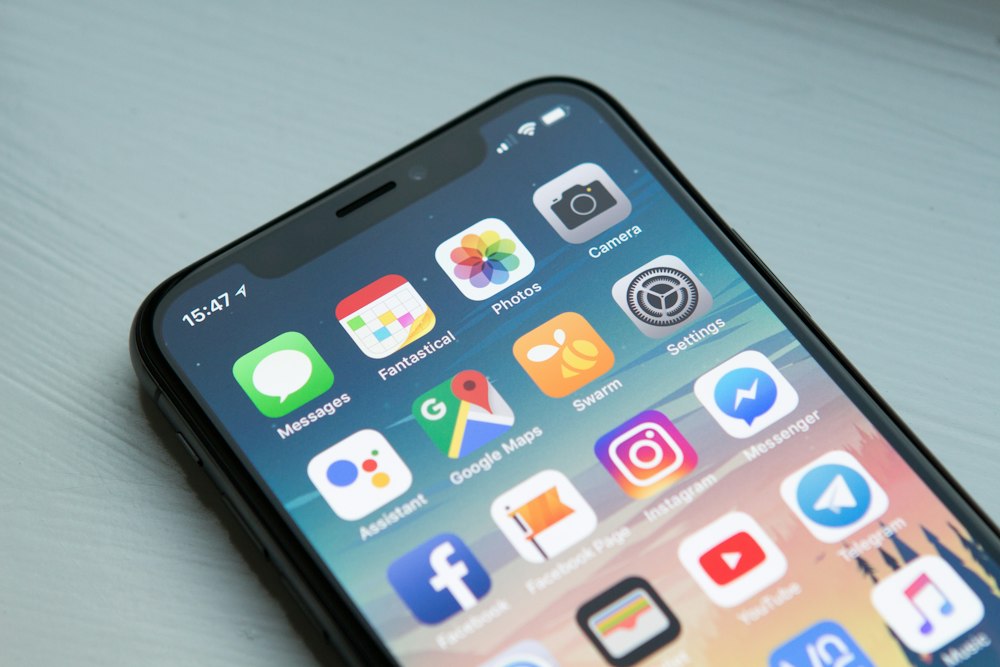
Modern smartphones ship with settings optimized for engagement and feature visibility — not battery longevity. Manufacturers demonstrate battery life under controlled conditions that rarely reflect how phones are actually used. The result is that most people accept battery performance that is significantly below what their device is actually capable of, without realizing that a handful of setting changes would make a meaningful difference within the same day they are applied.
1. Screen Brightness — The Biggest Single Draw
The display is the largest battery consumer on any smartphone, responsible for 20–40% of total power consumption depending on usage. Auto-brightness is generally efficient but calibrates toward comfort rather than conservation. In outdoor settings it cranks to maximum. A manual brightness setting at 50–60% in indoor environments — where most phone use occurs — produces a negligible visual difference and a significant battery gain. Reduce auto-brightness sensitivity in your display settings if available.
2. Background App Refresh
On both iOS and Android, apps refresh their content in the background even when you are not using them — pulling weather data, social media updates, news feeds, and email at intervals you never configured. Go to Settings → General → Background App Refresh (iOS) or Settings → Apps → individual app → Battery (Android) and disable background refresh for every app that does not require real-time updates. Email, social media, and news apps in particular have no functional reason to refresh in the background — you will see the same content when you open them.
3. Location Services Running Constantly
Every app that has location access set to "Always" is actively querying your GPS at intervals throughout the day, even when the app is closed. Review location access in your privacy settings and change every non-essential app from "Always" to "While Using" or "Never." Mapping, rideshare, and weather apps legitimately need location access. Food delivery, social media, and retail apps do not — and many of them have "Always" as their default setting after installation.
Your phone's default settings are designed for maximum features. Changing six of them takes three minutes and can give you hours of additional battery life.
4. Push Email vs. Fetch
"Push" email maintains a persistent connection to your mail server and delivers messages the instant they arrive. "Fetch" checks for new mail at a scheduled interval — every 15, 30, or 60 minutes. For the vast majority of people, email that arrives within 15 minutes of being sent is effectively instantaneous. Switch to fetch at 15-minute intervals and eliminate the battery cost of a constant server connection. Find this setting under Mail → Accounts → Fetch New Data.
5. Vibration for Notifications
Vibration requires a physical motor and uses more power per notification event than ringtone alerts. In environments where you keep your phone nearby and visible, disabling vibration and relying on the screen flash for notifications eliminates a small but cumulative battery draw over a full day of constant notification delivery.
6. Wi-Fi and Bluetooth When Not in Use
Both Wi-Fi and Bluetooth scan continuously for available networks and devices even when not actively connected. In areas without your saved Wi-Fi networks, your phone repeatedly scans and fails to connect — a wasted energy cycle that runs in the background all day. When traveling or in locations without your network, disable Wi-Fi. Bluetooth should be off when no paired device is in use. Together these two radios account for 5–15% of standby battery consumption on a typical day.