The average American grocery trip takes 41 minutes according to time-use surveys — and a significant portion of that time is not spent shopping. It is spent wandering, backtracking to missed aisles, and standing in place making decisions about what to buy. Both problems have the same root cause: an unstructured list that does not reflect the physical layout of the store. One methodological change eliminates both issues and routinely brings that 41 minutes down to 20 or less.
The Problem With a Normal Grocery List
A standard grocery list is written in the order items are remembered — which is never the order they appear in the store. Bananas are remembered first, then pasta, then bananas' neighbor (apples) gets added, then something from the meat counter, then back to produce for spinach. The result is a list that sends you across the store repeatedly, covering the same ground multiple times and triggering backtrack decisions mid-aisle.
The Store-Mapped List
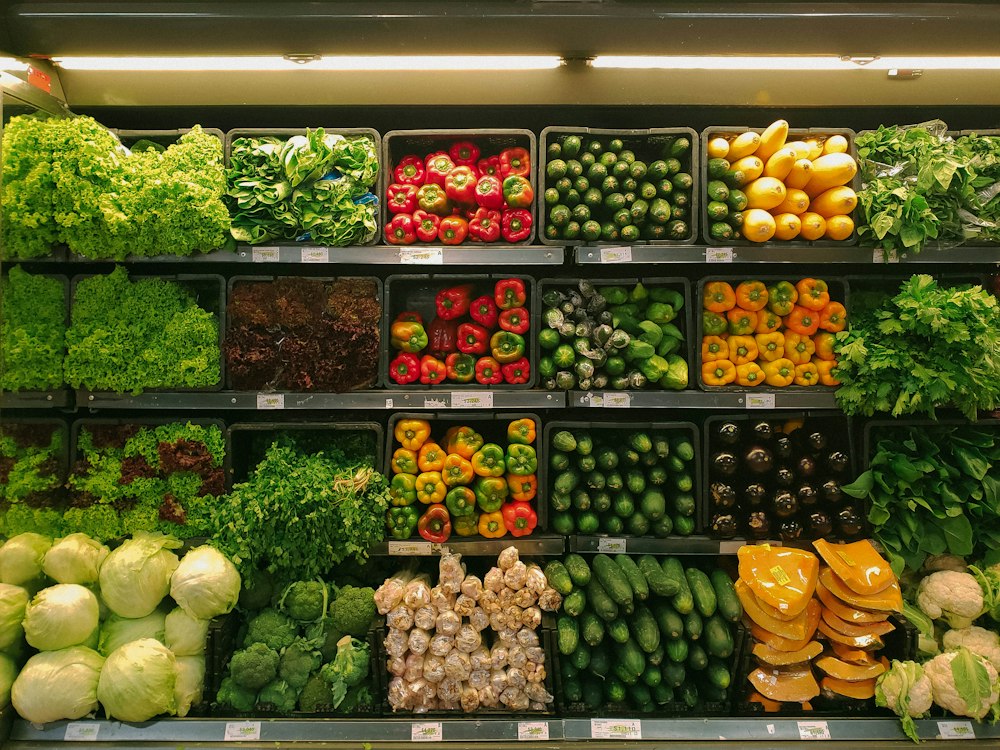
The solution is to organize your grocery list by store section, in the order you physically move through your specific store. Most grocery stores follow a similar traffic pattern: produce → deli/bakery → meat → dairy → frozen → dry goods and canned → personal care → checkout. Map your list to this sequence and you move through the store in a single continuous loop without backtracking.
The setup takes 15 minutes once. Create a master template on your phone (Notes, Google Keep, or any list app) with your store's sections as headers in the correct order. Each week, add items under the appropriate section header. The result is a list that matches your physical route through the store.
A grocery list organized by store section is not a convenience — it is a route map. You follow it the same way you'd follow GPS directions.
The Meal Plan Connection
The other major source of wasted grocery time is in-store decision making — standing in the meat section deciding what to cook this week. Resolving this before you leave home is worth more time savings than any list organization strategy. Spend five minutes Sunday evening deciding on four or five meals for the week. Build your store-mapped list from those meals plus regular staple replenishment. The result is a list that requires zero in-store decisions — you are executing a plan, not making one.
Staples Template
Create a permanent "staples" section in your list template for items you buy every week regardless of meal planning — milk, eggs, bread, coffee, produce basics. These items never need to be written down from scratch; they are always present in the template and get deleted when you have sufficient stock. This prevents the most common grocery error: forgetting everyday essentials because they were not top of mind when building the list.
Digital vs. Paper
Digital lists (shared via Google Keep or Apple Reminders) allow partners to add items from anywhere throughout the week, eliminating the "I forgot to tell you to get…" problem. Both partners can check off items in real time if shopping together. The template can be duplicated each week rather than rebuilt. For people who prefer paper, a printed template with checkboxes works identically — the structure is what matters, not the medium.